
If you run a growing business in India, you already know that WhatsApp is where your customers actually hang out. Emails get lost in spam folders, and SMS messages usually get ignored. WhatsApp, on the other hand, gets read almost instantly.
But as your business grows, handling hundreds of customer inquiries from a single mobile phone becomes a nightmare. That is usually when teams start looking into automation and enterprise tools.
Before jumping in headfirst, it pays to understand how WhatsApp API pricing works. The pricing structure can feel a bit confusing at first glance—with Meta's per-message fees on one side and software provider costs on the other.
In this guide, we will break down the real costs in plain English so you can budget accurately and avoid any billing surprises down the road.
What Is WhatsApp Business API?
Think of the standard WhatsApp Business app as a single-lane road. It works great when you're just starting out, but it breaks down when multiple team members need to reply to customers at once.
The WhatsApp Business Platform (often called the WhatsApp API) is built for scaling up. It doesn't have a standard app interface that you download from the Play Store. Instead, it connects your WhatsApp number directly to your CRM, customer support helpdesk, or e-commerce platform built by your technology partners.
Key Differences at a Glance
-
Team Access: The standard app limits you to a few linked devices. The API lets your entire support or sales team log in at the same time using a single verified business number.
-
Smart Automation: Instead of basic away messages, the API handles multi-step chatbots, automated order updates, and instant payment links.
-
System Integrations: It hooks right into platforms like Shopify, WooCommerce, Zoho, or custom backend software to send automatic alerts whenever an order is placed or updated.
How Does WhatsApp API Pricing Work?
Meta charges businesses on a per-message model. Every time your business delivers a message, Meta charges a specific rate depending on what type of message it is and where the recipient lives.
Meta breaks messages down into five main categories:
-
Marketing Messages: These are promotional broadcasts, sales updates, coupon codes, or abandoned cart reminders that you initiate. Because they drive direct revenue, they carry the highest per-message fee.
-
Utility Messages: Transactional updates triggered by a customer’s action—like order confirmations, delivery tracking links, or booking updates.
-
Authentication Messages: One-time passwords (OTPs) and verification codes sent to log users in securely.
-
Service Messages: Free-form support conversations where your human support agents reply to customer queries.
-
Meta Business Agent Messages: Automated interactions driven by conversational AI models, billed based on dynamic token usage rather than a flat per-message rate.
Useful Exceptions to Keep in Mind
-
Free Ads-to-WhatsApp Window: If a customer contacts you by clicking on a "Click-to-WhatsApp" Facebook or Instagram ad, any messages sent back and forth within 72 hours don't incur Meta charges.
Factors That Affect Your Total Cost
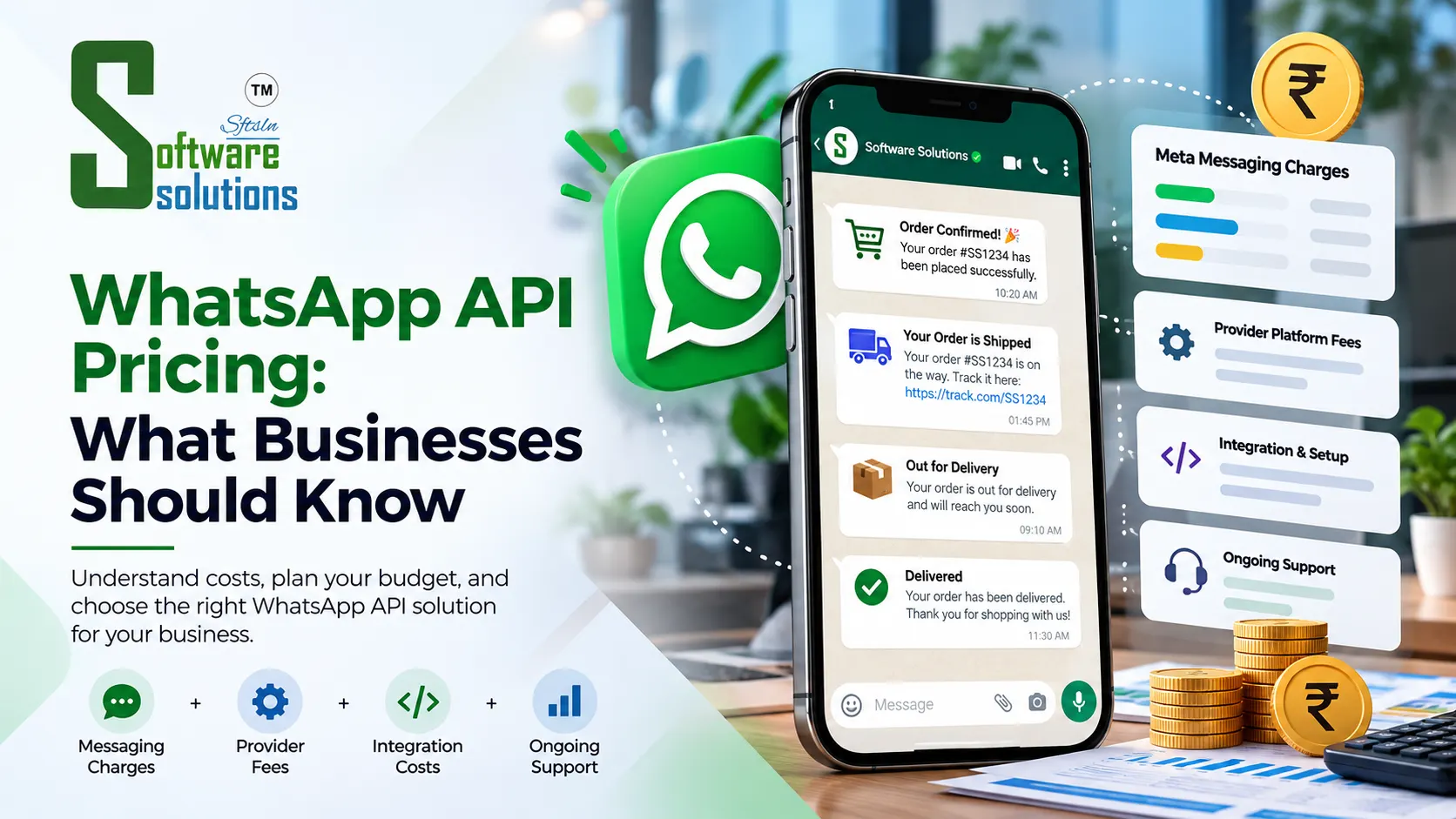
Meta's message fees are only one part of your overall investment. To get a complete picture of your monthly budget, you need to combine a few moving parts:
Total Monthly Investment = Meta Message Fees + Provider Software Fee + One-Time Integration Costs1. Your Campaign Mix
Sending 10,000 marketing broadcasts will cost significantly more than sending 10,000 order updates. Since marketing messages in India cost roughly seven times more than utility alerts, keeping your audience lists targeted makes a massive difference to your bill.
2. Software Provider Pricing
To use the API, you will connect through a software platform or Business Solution Provider (BSP). WhatsApp API provider pricing generally falls into two models:
-
Flat Monthly Subscription (Direct Passthrough): You pay a fixed monthly fee for the dashboard, inbox tools, and automation builders. Meta fees are billed directly at cost without markup. This model is usually the most cost-effective as you scale.
-
Per-Message Markups: Some providers add a small markup on top of Meta’s official rates. While this might look cheap when you send very few messages, it gets expensive quickly as your volume grows.
3. Integrations and Custom Setup
Connecting WhatsApp to your store or internal system requires initial setup. Standard plug-and-play integrations (like basic Shopify or WooCommerce plugins) are often included in software plans. However, custom backend workflows might require a modest one-time setup cost from a specialized development team.
WhatsApp Business App vs. WhatsApp API: A Practical Comparison
Neither option is inherently "better"—it simply depends on where your business is today and how many conversations you handle every week.
| Feature | Free WhatsApp Business App | WhatsApp Business API |
| Upfront Software Fee | Entirely free | Varies by provider plan |
| Per-Message Charges | Free | Pay per delivered message |
| Team Management | Up to 4 web devices | Unlimited support agents on one main inbox |
| Automation | Basic greeting & away notes | Advanced custom chatbots & interactive flows |
| CRM Integration | None | Syncs deeply with your backend database |
| Best Suited For | Local shops, solo founders, freelancers | Fast-growing D2C brands, SMEs, active support teams |
Practical Ways to Keep Your WhatsApp Costs Down
You don't need a massive budget to get great results from WhatsApp automation. A few smart operational habits will help you keep your spending tight:
-
Watch Your Category Tags: Always submit transactional alerts as Utility templates instead of Marketing. Utility templates cost a fraction of marketing rates in India, saving you significant money over time.
-
Segment Your Broadcast Lists: Resist the urge to blast your entire database with every promotion. Send offers only to customers who bought similar items in the past. Higher relevance means better sales with fewer messages sent.
-
Clean Your Contact Database: Regularly verify that your contact lists contain active numbers. Sending broadcasts to dead or inactive numbers burns budget for zero return.
-
Let Chatbots Handle Simple FAQs: Set up interactive menus for common questions like return policies, store locations, or business hours. Resolving these quickly in self-service windows keeps your operational costs low and your support agents focused on complex issues.
How to Choose the Right WhatsApp API Partner
Finding the right software partner makes all the difference when setting up your workflows. Before signing up with a vendor, ask these practical questions:
-
Clear Billing: Do they charge Meta rates at actual cost, or are they hiding per-message markups in the fine print?
-
Integration Ease: Can their system connect smoothly with your existing website, CRM, or inventory management system? Working with specialists in WhatsApp API marketing solutions saves weeks of technical headaches.
-
Essential Features: Does the platform include a shared team inbox, broadcast scheduling, chatbot flow builders, and straightforward reporting dashboards?
-
Reliable Local Support: When something isn't working right, can you pick up the phone and talk to a human support team quickly?
Frequently Asked Questions
1. How much does WhatsApp API cost in India?
Your overall cost includes Meta’s base message fees plus your provider’s monthly platform fee.
2. Is WhatsApp Business API free?
No. While the regular mobile app is free, the API is an enterprise service that incurs per-message costs from Meta and recurring subscription charges from software providers. However, Meta does provide 1,000 free service messages every month.
3. Does Meta charge separately for WhatsApp messages?
Yes. Meta bills you based on the specific template category of delivered messages: Marketing, Utility, Authentication, Service, or Meta Business Agent messages.
4. Do WhatsApp API providers charge monthly fees?
Yes. Most providers charge a recurring monthly SaaS fee to cover server maintenance, multi-agent inbox software, broadcasting tools, and ongoing customer support.
5. Can small businesses use WhatsApp API?
Definitey. Any business that needs multiple team members answering messages on one phone number—or wants to automate order confirmations—can start with an affordable entry-level API software plan.
6. What is the easiest way to lower WhatsApp API expenses?
Make sure transactional alerts are correctly approved under the Utility category, send promotional broadcasts only to targeted customer segments, and choose a software provider that offers zero markup on Meta's official charges.
Ready to Streamline Your Customer Conversations?
Understanding WhatsApp API pricing comes down to knowing what Meta charges for delivered messages and choosing a software platform that fits your operational needs. When handled thoughtfully, WhatsApp automation pays for itself quickly through faster sales cycles, happier customers, and lighter support workloads.
If you are evaluating options or want help setting up your strategy, explore our practical WhatsApp Business API integration services or talk to our experts at Software Solutions to get started smoothly.