
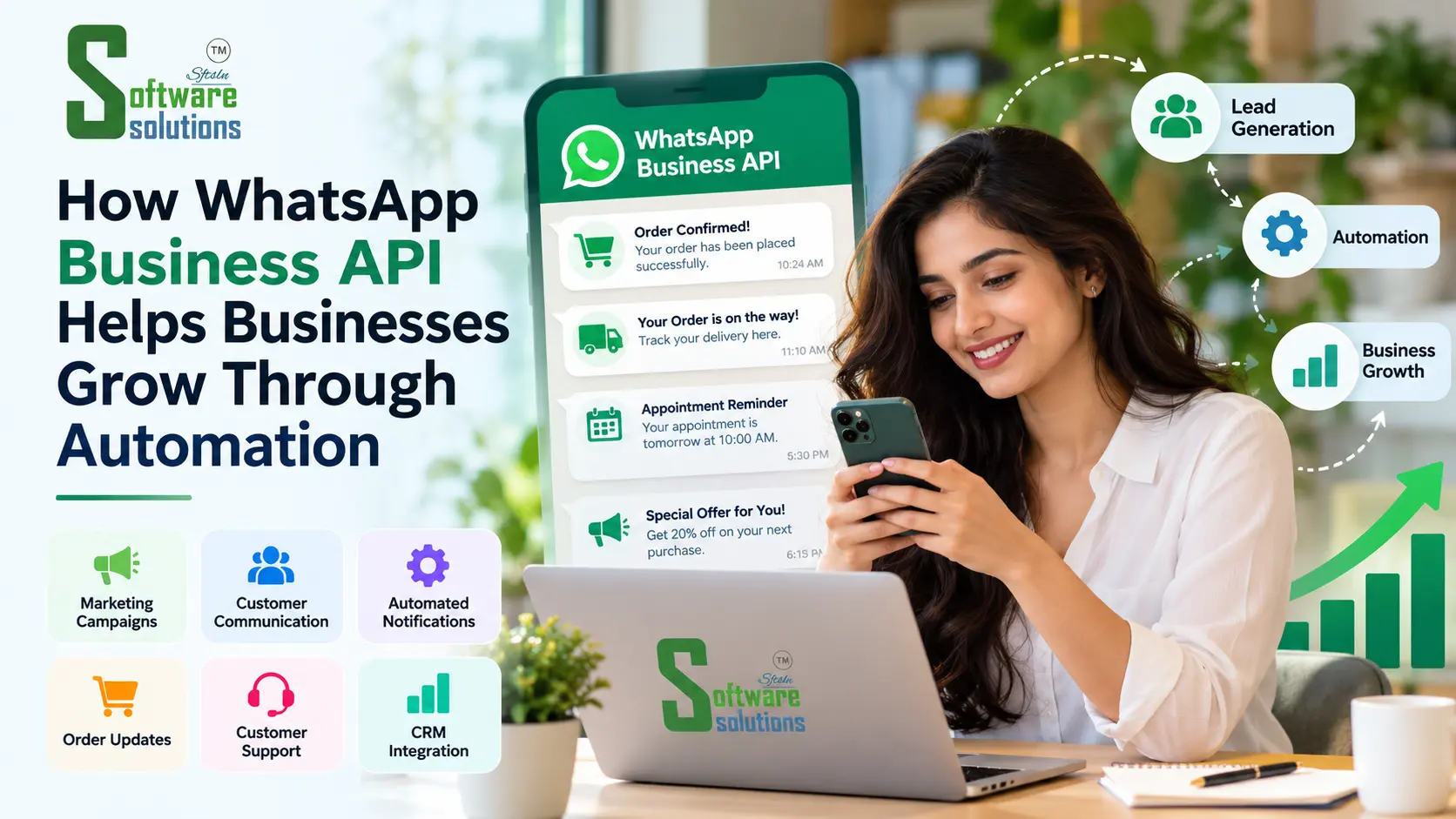
Somewhere along the way, WhatsApp stopped being just the app you use to chat with family and became the place customers expect to reach a business. They message to ask about a price, check an order, rebook an appointment, or find out whether something's in stock. For a small business, that's great news. Customers are already where you are.
The trouble starts when the volume grows. One person replying to every message by hand works fine at ten chats a day. At a hundred, replies slow down, follow-ups get forgotten, and nobody's quite sure who answered what. This is where WhatsApp API marketing, and the Business API behind it, comes in: it lets a business organise and automate the repetitive parts of that communication, while keeping people involved where it actually matters.
What Is WhatsApp Business API?
Most people know the free WhatsApp Business app, the one you install on a phone. It's built for one person, or a very small team, replying to customers directly. The WhatsApp Business Platform API is something different. It isn't an app you download. It's a way for a business to connect WhatsApp to its own software, so that messages can be sent, received, and handled by a system rather than only by someone holding a phone.
Put simply, the meta api of whatsapp is the bridge between WhatsApp and the tools a business already uses: a website, a CRM, a booking system, a support desk. That connection is what makes things like automated confirmations, shared team inboxes, and organised follow-ups possible. The regular app can't do those at scale, which is why growing businesses tend to move to the API sooner or later.
How Does Meta API for WhatsApp Work?
WhatsApp is owned by Meta, and the meta api for whatsapp is the official route businesses use to connect their systems to it. In practice, a business works with a provider or sets up an integration that links its WhatsApp number to the tools it uses. When a customer fills in a form on the website, for example, the system can send them a confirmation on WhatsApp. When they reply, the conversation can land in a shared inbox or be logged against their record in the CRM.
A few things need to be in place first. The business needs an approved business setup with Meta, a proper integration, and a commitment to follow Meta's messaging policies. That last part matters more than people expect, and we'll come back to it, because it shapes almost everything you can and can't do with the API.
How Businesses Can Use WhatsApp API for Marketing
Used thoughtfully, WhatsApp API marketing is less about blasting messages and more about sending the right message to the right person at a useful moment. Some practical uses:
- Product announcements and relevant offers to customers who've agreed to hear from you
- Follow-ups with leads who asked for information and are waiting to hear back
- Event invitations and appointment reminders, which people usually welcome
- Order confirmations and delivery updates that keep customers informed without them having to ask
- Retention messages, like a gentle reminder when it's time to reorder or rebook
Two principles sit underneath all of this. First, consent: businesses need to have the customer's permission before messaging them on WhatsApp. Second, relevance: a message that's useful to the person receiving it is far more likely to be welcomed than one that isn't. WhatsApp enforces its rules, and customers can block or report a business, so treating this like a permission-based channel rather than a mass-reach tool is both the compliant approach and the one that tends to work better.
WhatsApp Bulk Message API: What Businesses Should Know
The phrase "whatsapp bulk message api" gets used a lot, and it's worth being clear about what it does and doesn't mean. It does mean a business can send approved messages to a list of eligible customers without messaging each person by hand. It doesn't mean unlimited, unrestricted broadcasting to anyone with a phone number.
Here's what sits behind responsible bulk messaging:
- Opt-in: Businesses need to obtain permission from people before messaging them, and the opt-in should clearly say who the messages are from. Meta's own policy requires this.
- Approved templates: Messages a business starts outside the 24-hour customer service window generally have to use pre-approved message templates, and Meta reviews them against its categories (marketing, utility, and authentication).
- Messaging limits and quality: WhatsApp applies limits to how many people a business can message, and it also limits how many marketing templates an individual person can receive from businesses. These are controlled by WhatsApp, not by the business or its integration partner.
- Segmentation: Sending a relevant message to the right group beats sending the same message to everyone. Irrelevant or unwanted messages lead to blocks and reports, which can hurt the quality rating of your number.
So the sensible way to think about a bulk message API is as a tool for sending permission-based, relevant, approved messages efficiently, not a loophole around the rules.
How WhatsApp API Automates Customer Communication
A lot of everyday customer communication is repetitive. The same questions come up, the same confirmations need sending, the same reminders have to go out. Automation can take care of much of that:
- Answering common questions such as opening hours, pricing basics, or where to find something
- Routing conversations to the right person or team
- Sending reminders before appointments or when payments are due
- Acknowledging enquiries straight away so the customer knows they've been received
- Triggering messages based on actions, like a confirmation after a booking or a nudge after an abandoned enquiry
Some practical illustrations of how this might look:
- A retail shop could send an order-ready message when a customer's purchase is packed.
- A coaching institute or school could remind parents about fee dates or upcoming sessions.
- A clinic could handle appointment administration, confirmations and reminders, without a receptionist calling each patient. (This is about scheduling, not medical advice.)
- An e-commerce store could send shipping and delivery updates automatically.
- A service business could confirm a visit slot and notify the customer when the technician is on the way.
One honest caveat: automation isn't a replacement for people. It's good at the routine stuff. When a customer has a complicated problem, is upset, or simply wants to talk to someone, there should be an easy way to reach a human. Automation can handle many routine messages, giving staff more time to focus on conversations that need personal attention..
WhatsApp API for Lead Generation and Follow-Up
Plenty of businesses lose enquiries not because customers lost interest, but because nobody got back in time. WhatsApp API integration can help here. An enquiry from a website form or an ad campaign can trigger an immediate acknowledgement, and the conversation can be logged and assigned to someone on the team.
Connected to a CRM, this becomes even more useful. Instead of leads living in individual phones, the team can see who's enquired, who's been replied to, and who's waiting. Follow-ups can be scheduled, and, provided the customer has given the appropriate consent, sent on WhatsApp at a sensible time. That reduces the number of enquiries that quietly fall through the cracks.
WhatsApp API for Order Updates and Notifications
Order and appointment notifications are some of the most welcome messages a business can send, because customers actively want that information. Useful examples include:
- Order confirmations and payment acknowledgements
- Shipping updates and delivery notifications
- Booking confirmations
- Appointment reminders
These are generally sent as utility-type messages, but message categories, templates, and the rules attached to each can change, so it's worth checking Meta's current documentation, or asking your integration partner, before you set anything up. Getting the category right matters for approval and for how messages are treated by the platform.
WhatsApp API and CRM Integration
A CRM holds your customers and leads. WhatsApp is where many of them actually talk to you. Connecting the two means conversations and lead details can sit in one organised workflow instead of two separate worlds.
For a sales team, that can mean seeing the full conversation history before following up. For support staff, it can mean not asking a customer to repeat something they already said. For managers, it can mean clearer visibility into who's handling what and where enquiries are getting stuck. How much of that you actually get depends on how well the integration is set up and how your team uses it. It's a tool that makes good processes easier, not a guarantee of results on its own.
Benefits of WhatsApp Marketing Automation
When it's set up thoughtfully, businesses typically look for benefits like:
- Faster responses to customer enquiries
- More consistent follow-ups
- Less repetitive manual work for the team
- Better visibility into customer conversations
- Better-organised notifications
- Easier coordination between marketing, sales, and support
It's worth being straightforward about the limits of those benefits. The real outcome depends on the quality of your messages, whether customers have actually consented, how well your processes work, and how the integration is configured. Automation amplifies what you're already doing well. It doesn't fix a weak process by itself.
Common Mistakes Businesses Should Avoid
A few things that tend to cause problems:
- Messaging people who haven't opted in. This is the quickest way to get blocked, reported, or restricted.
- Poor contact-list management. Old, unverified, or purchased lists are a risk, not a shortcut.
- Messaging too often. Even opted-in customers get tired of constant messages.
- Ignoring opt-outs. If someone asks to stop, honour it promptly.
- Unclear templates. Vague or misleading message text can lead to rejection and confuses customers.
- No path to a human. Automation without an escape route frustrates people quickly.
- Neglecting privacy and data security. You're handling customers' contact details and conversations, so treat that data carefully.
How to Choose the Right WhatsApp API Integration Partner
Setting this up well takes more than switching a feature on, so the partner you choose matters. Things worth checking include:
- Integration experience: have they connected WhatsApp to real business systems before?
- CRM compatibility: will it work with the CRM and tools you already use?
- Automation requirements: can they build the specific flows your business needs?
- Support: who helps when something doesn't work or a template gets rejected?
- Security practices: how is customer data handled and protected?
- Scalability: will it cope as your message volume grows?
- Reporting: can you see what's being sent, delivered, and responded to?
- Transparent pricing: is it clear what you're paying for, including what Meta charges versus what the provider charges?
At Software Solutions, we help businesses plan and set up WhatsApp API marketing services, including integration with CRMs and the other systems they already rely on. Our approach starts with understanding how your business actually communicates with customers, then building around that, rather than applying a generic template.
Frequently Asked Questions
What is the WhatsApp Business API used for? It lets businesses connect WhatsApp to their own software so they can send notifications, handle enquiries, support customers, and organise conversations at a scale the regular app can't manage.
Can businesses send bulk messages through the WhatsApp API? Businesses can send approved messages to eligible, opted-in customers without messaging each one manually. It isn't unlimited or unrestricted: opt-in, approved templates, messaging limits, and per-user marketing limits all apply.
What is the difference between the WhatsApp Business app and API? The Business app is a free app for a single person or small team to chat with customers. The API connects WhatsApp to a business's systems, allowing automation, multiple users, and integrations with tools like a CRM.
Can WhatsApp API be integrated with a CRM? Yes. Many businesses connect it to a CRM so conversations and lead details are logged in one place and follow-ups can be tracked.
Can WhatsApp messages be automated? Yes, routine tasks such as acknowledgements, reminders, order updates, and common questions can be automated. Automation works best alongside a clear way for customers to reach a human.
Is customer consent required for business messaging? Yes. Businesses need to obtain opt-in permission before messaging people on WhatsApp, and should honour opt-out requests. Always check Meta's current policy for the exact requirements.
How can a business get started with WhatsApp API marketing? Start by clarifying what you want to achieve and how you'll collect consent, then work with an experienced integration partner to set up your business account, templates, and connections to your existing systems.
Getting Started
WhatsApp Business API can make a real difference to how a business handles marketing and customer communication, as long as it's implemented thoughtfully: permission-based, relevant, and with people available when customers need them. The businesses that get the most from it tend to treat it as a better way to serve customers, not just a faster way to send messages.
If you'd like to talk through what this could look like for your business, you can explore our WhatsApp API integration services or get in touch with the team at Software Solutions to discuss your requirements.