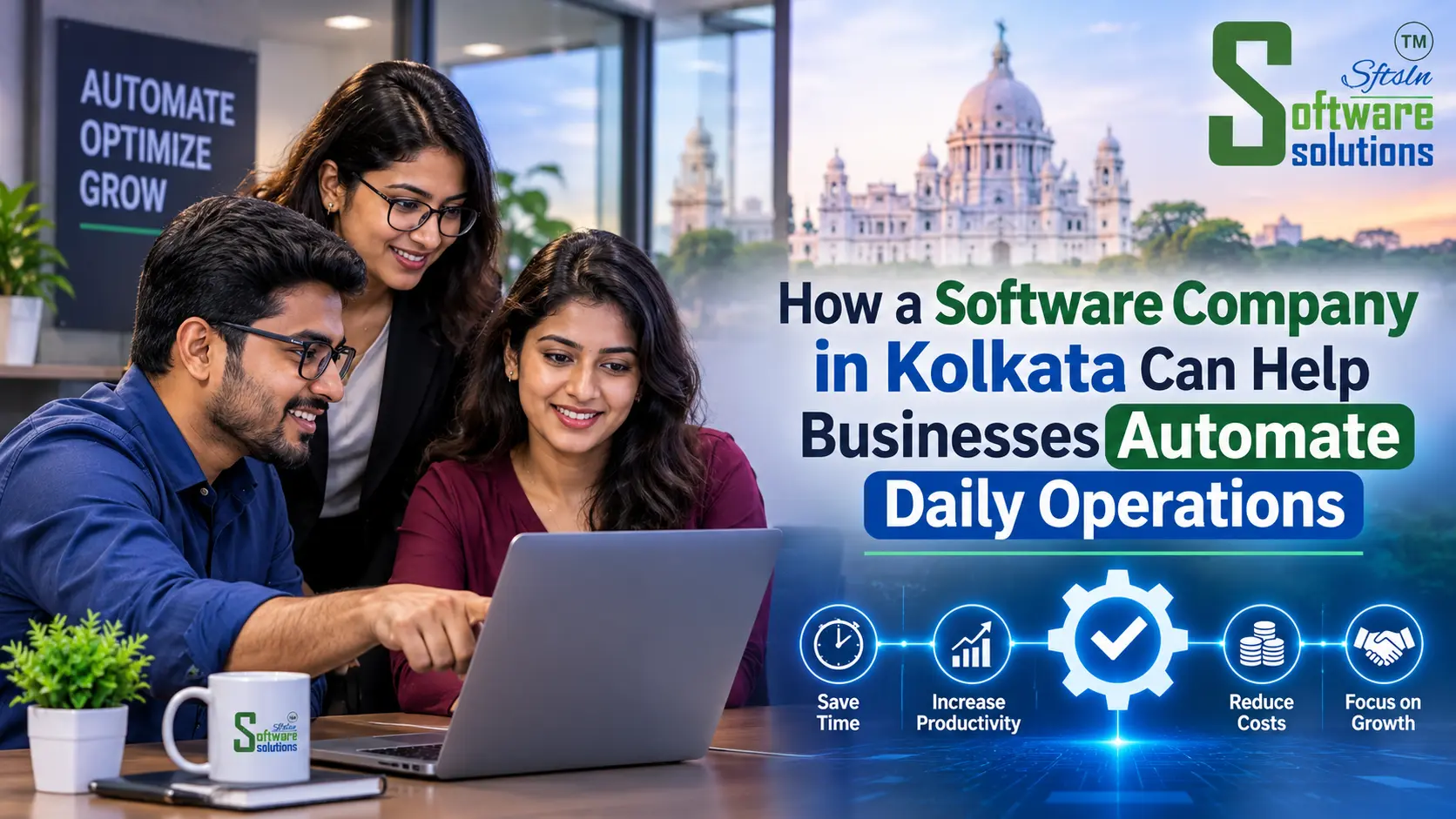
Business automation dashboard developed by a software company in Kolkata
Ask a business owner in Kolkata how an ordinary Tuesday goes. Enquiries arrive on WhatsApp, phone and email. Stock counts sit in one spreadsheet and customer dues in another. Invoices are typed by hand, and the owner finds out how the month went only when someone compiles the figures at the end of it.
None of this is unusual, and none of it is a sign of a badly run business. It is what happens when a company grows faster than its tools. Each stopgap works on its own, but together they eat hours every week and make mistakes easy.
Business automation is about replacing those stopgaps with connected software, so information is entered once and flows to the people who need it. A capable software company in Kolkata can help you work out which tasks to automate, whether you need custom software at all, and how to roll it out without disrupting the team. This guide covers what can be automated, how to weigh custom against ready-made software, and what to ask before you hire anyone.
Why Kolkata Businesses Are Moving Towards Business Automation
The move towards automation is mostly practical. A few pressures keep coming up.
Competition and customer expectations. A customer who messages a wholesaler in Burrabazar or a retailer in Salt Lake now expects a quick quote, an accurate invoice and a timely reply. Businesses that respond slowly lose orders to those that don’t.
Growing complexity. A shop with one counter is easy to manage by memory and a notebook. Add a second branch, a delivery arrangement and a few dozen regular credit customers, and the notebook stops working.
Manual administration. Re-entering the same order into a sales register, a stock sheet and an invoice is slow and invites typing errors. A small distributor can easily lose several hours a week to this.
Scattered data. When customer details live in people’s phones and stock figures in separate files, no one has the full picture. Staff turnover makes it worse, because knowledge leaves with the person.
Reliable reporting. Owners need to know which products sell, which customers pay late and which jobs are delayed. Reports compiled by hand are slow, and they are often out of date by the time they are read.
Common Operational Challenges Faced by Businesses
Most small and mid-sized businesses recognise several of these:
- Managing customer enquiries manually. Leads that arrive across calls, messages and email get forgotten or answered late. Nobody can say how many enquiries turned into orders.
- Tracking sales and outstanding payments. Without a single record of who owes what, follow-ups happen only when someone remembers, and cash flow suffers.
- Maintaining inventory records. Manual stock registers drift from reality. The result is stock-outs on fast movers and money tied up in slow ones.
- Managing employee responsibilities. When tasks are assigned verbally, it is hard to see who is doing what, or why something stalled.
- Preparing invoices and reports. Hand-built invoices and month-end reports take time and invite errors that then need correcting.
- Coordinating departments. Sales promises a delivery date that stores or production cannot meet, because the two teams work from different information.
- Monitoring performance. Without current figures, decisions rely on instinct, and problems are spotted late.
The cost shows up as lost hours, delayed collections, avoidable errors and decisions made on stale information. It is rarely dramatic, but it adds up.
How Custom Software Helps Businesses Work More Efficiently
Custom software is built around how your business already works, rather than asking you to adapt to a generic tool. If your approvals, pricing rules or delivery process are unusual, the software can reflect that. The main benefits:
- Centralised information. Customers, orders, stock and payments live in one place, so everyone works from the same data.
- Fewer repetitive tasks. Data entered once can populate invoices, stock updates and reports automatically.
- Better operational visibility. Owners can see pending orders, overdue payments and low stock without asking around.
- Stronger customer management. A full history of each customer’s enquiries, orders and payments makes follow-up consistent.
- Automated notifications. Payment reminders, order confirmations and low-stock alerts go out without someone remembering to send them.
- Accurate reporting. Reports come straight from live data instead of manual compilation.
- Easier expansion. A system designed around your process can take on new branches, products or team members without being rebuilt.
Custom software is not the right answer for every business. A small business with standard needs is often well served by an off-the-shelf tool, and we cover that comparison below. The goal is the right fit, not the biggest build.
Business Processes That Can Be Automated
Sales and Customer Management with CRM Software
A CRM (customer relationship management) system is usually the first thing sales-led businesses automate. A well-set-up system typically covers:
- Lead tracking: every enquiry is recorded with its source and status.
- Customer information: contact details, history and notes sit in one profile rather than in individual phones.
- Sales pipeline management: you can see which deals are at which stage and where they stall.
- Follow-up reminders: the system prompts the right person at the right time.
- Sales performance reporting: conversion and activity reports show what is working.
For a small team, even a simple CRM can end the “who called that customer back?” problem. If your sales process has specific stages or approval rules, a tailored build may suit better. CRM software development is worth exploring in that case.
Inventory and Stock Management
For retailers, wholesalers, distributors and manufacturers, stock is cash on a shelf, so accuracy matters. Inventory software generally handles:
- Stock tracking: quantities update as items are bought and sold.
- Purchase management: purchase orders and goods received are recorded against stock.
- Vendor management: supplier details, rates and purchase history are kept together.
- Low-stock alerts: reorder warnings appear before a shelf runs empty.
- Warehouse visibility: you can see what is held in which location.
- Inventory reports: fast movers, slow movers and stock valuation are easy to pull up.
Billing and Accounting Workflows
Billing is repetitive, which makes it a natural candidate for automation:
- Invoice generation: invoices are produced from order or counter data instead of retyped.
- Payment tracking: receipts and outstanding amounts are recorded against each invoice.
- Customer billing: customer-wise statements and dues are available on demand.
- Purchase records: supplier bills are logged alongside sales.
- Financial reporting: summary reports give management a quick view of sales and collections.
One important caution: billing and workflow software supports your accounting process, but it does not automatically replace statutory accounting or tax-compliance systems. GST filing, books of account and audits still need your accountant and appropriate accounting software. A good implementation connects the two rather than pretending one replaces the other.
Employee and Task Management
Internal coordination is often where small businesses lose the most time. Task and workflow tools can provide:
- Defined responsibilities: every job has a named owner.
- Task allocation: work is assigned in the system rather than by passing remarks.
- Progress tracking: managers see what is pending, in progress or done.
- Approval workflows: requests such as discounts, purchases or leave go to the right person and are recorded.
- Internal communication: updates stay attached to the task instead of getting lost in chat threads.
Reporting and Business Analytics
When data is captured consistently, reporting becomes a by-product rather than a monthly chore:
- Management dashboards: key figures on one screen.
- Sales reports: by product, customer, salesperson or period.
- Inventory reports: stock levels, movement and reorder needs.
- Operational performance: turnaround times, pending work and bottlenecks.
- Better decisions: the owner can act on current numbers rather than impressions.
Custom Software vs Ready-Made Software: Which Is Better?
Neither is better in every case. The right choice depends on how standard your processes are, your budget and how much you expect to grow.
| Factor | Ready-made software | Custom software |
|---|---|---|
| Initial cost | Generally lower upfront, often a subscription | Generally higher upfront, depends on scope |
| Customisation | Limited to the vendor’s settings | Built around your workflows |
| Implementation | Usually quick to start | Needs requirement gathering, build and testing |
| Scalability | Bound by the product’s plans and limits | Can be designed to grow with you |
| Maintenance | Handled by the vendor | Handled by you or your development partner |
| Integration | Depends on supported integrations | Can be built to connect with your existing tools |
| Workflow compatibility | You adapt processes to the tool | The tool adapts to your processes |
Ready-made software is usually enough when your processes are fairly standard, you have a small team, you want to start quickly and a good-fit product already exists. Many businesses should begin here.
Custom development makes sense when your workflow is unusual and off-the-shelf tools force awkward workarounds, you need several systems to work together, you are paying for features you never use while missing ones you need, or the software is core to how you compete.
A sensible middle path is also common: start with ready-made tools, then build custom modules or integrations only for the gaps. For more on the business case for tailored software, see why businesses choose custom software development in Kolkata.
How to Choose the Right Software Development Company in Kolkata
Rather than comparing price lists, look at how a company works. These are the factors that matter.
- Relevant experience. Have they built something similar to what you need, in a comparable industry?
- Understanding of business processes. A good team asks about your operations before talking about technology.
- Technical capability. Do they work with mature, widely supported technologies you won’t be locked into?
- Communication and project management. Look for regular updates, a clear point of contact and defined milestones.
- Data security. Ask how data is stored, who can access it and how backups work.
- Integration capability. Your software should work with your accounting tools, payment gateways and messaging platforms.
- Maintenance and support. Find out what happens after launch, including bug fixes and updates.
- Documentation. You should be able to get requirements documents and handover material.
Questions worth asking before you hire:
- Can you walk me through a similar project and what problem it solved?
- How will you document my requirements before development starts?
- Who owns the source code and the data?
- How do you test before release?
- What does support look like after launch, and how is it priced?
- Can I see the software in stages rather than only at the end?
- How will the system connect with my existing tools?
- What happens if I want to change requirements midway?
A company that answers these clearly, and is willing to say when you don’t need custom software, is usually a better partner than one that promises everything.
How Software Solutions Helps Businesses Digitise Operations
Software Solutions is a software development company working with startups, SMEs and larger organisations. Its work relevant to the operations described above includes:
- Custom software development, including custom ERP systems and internal portals, built around a business’s own workflows.
- CRM software development: lead tracking, pipeline management, customer support ticketing and analytics dashboards on one platform.
- POS and billing software, such as its Third Eye restaurant management product and Mithai App for sweet shop billing.
- API integration, connecting applications and third-party services.
- Workflow automation, including automated alerts and notifications through email and WhatsApp.
The approach follows the stages any sensible software project goes through:
- Understanding requirements. Mapping how the business actually works and agreeing the scope in writing.
- Planning workflows and design. Prototyping screens and flows so you can react before development starts.
- Development. Building in stages, so working pieces can be reviewed along the way.
- Testing. Functional and security testing before release.
- Implementation and support. Deployment, team onboarding and ongoing maintenance.
If you are weighing a tailored build, the custom software development service page explains the options in more detail.
Frequently Asked Questions
1. What does a software company in Kolkata do?
It designs, builds, tests and maintains software for businesses: business management systems, CRMs, billing and inventory tools, web and mobile applications, and integrations between existing systems. Many also provide support after launch.
2. How much does custom software development cost in Kolkata?
There is no standard price. Cost depends on the number of modules, users, integrations, design complexity and ongoing support. A reputable company will give a written estimate after understanding your requirements, and may suggest a phased approach to keep the first stage affordable.
3. Which businesses need custom software?
Businesses whose workflows don’t fit standard tools, those juggling several disconnected systems, and those where software is central to operations. Many small businesses do well with ready-made tools first.
4. What is the difference between CRM and business management software?
A CRM focuses on customers: leads, follow-ups, sales stages and support. Business management software (often called ERP) covers wider operations such as inventory, purchasing, billing, HR and reporting. Some businesses use both, connected.
5. Can small businesses automate their daily operations?
Yes. Small businesses can start with one pain point, such as billing, stock or enquiry tracking, and add more over time. Automation does not need to be all-or-nothing.
6. How long does it take to develop custom business software?
It varies with scope. A focused tool takes far less time than a multi-module system. Ask for a phased plan with milestones instead of relying on a single promised date.
7. Is custom software better than ready-made software?
Not always. Ready-made suits standard needs and quick starts. Custom suits unusual workflows, integration needs and long-term scale. Evaluate your processes first.
Final Thoughts
Automation works best when it starts small and specific. Make a list of the tasks your team repeats every week: retyping orders, chasing payments, counting stock, compiling reports. Rank them by time lost and error risk. The top one or two are usually where software pays off first, whether through an existing product or a tailored build.
Looking for a software development partner in Kolkata?
Contact Software Solutions to discuss your business requirements and explore suitable software development options.