Writing code was never the hardest part of building software. It was just the slowest part, and the most visible one, so it got most of the attention.
AI in software development has changed that. Typing out a routine function, a standard integration, or a first draft of a test now takes a fraction of the time it used to. That's real, and it's worth taking seriously. But here's the thing nobody puts in the product demos: the expensive parts of a software project were never the typing. They're knowing what to build, checking that it's right, getting it live safely, and keeping it healthy for years afterwards. AI hasn't made those cheaper by default.
So the useful question isn't "can AI write code?" It clearly can. The useful question is what happens to everything around the code when writing it gets faster. That's what this piece is about, stage by stage, with an eye on what it means if you're the one paying for the software.
What Is AI-Powered Software Development?
It's less a single technology than a spectrum of help.
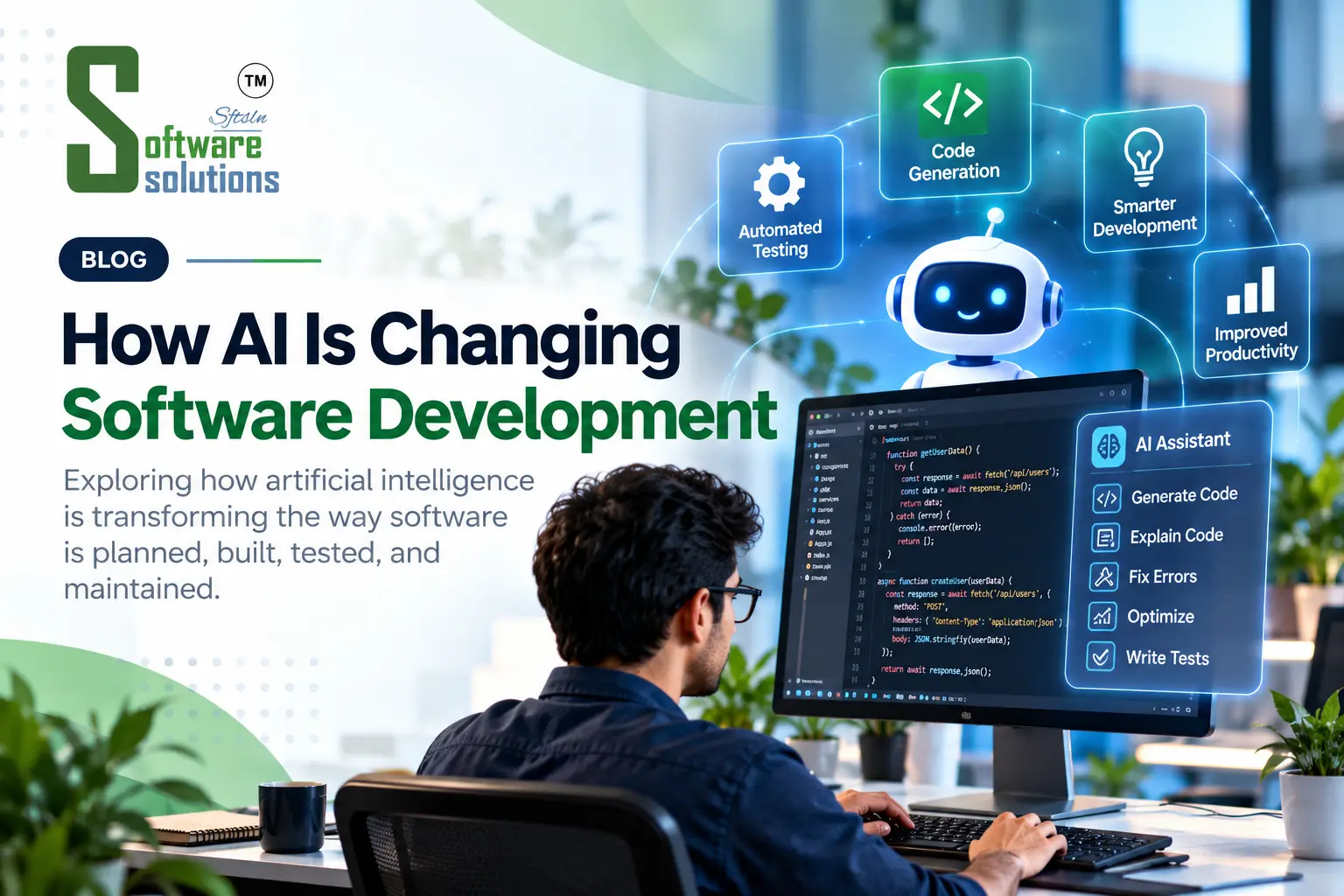
At the light end, there's autocomplete on steroids: suggestions for the next line or block as a developer types. In the middle are chat-style assistants that can explain a confusing piece of code, draft a function from a plain-English description, or suggest why something broke. At the far end are agent-style tools that can take on a multi-step job, reading files, making changes, running tests, and reporting back for someone to review.
A decent way to think about it: a spell-checker, an editor, and a keen junior colleague who works fast, never tires, and shouldn't be allowed to ship anything unsupervised. Useful at every level, none of them in charge.
How Developers Use AI for Code Generation and Completion
The everyday use is unglamorous, and that's exactly why it works. Developers lean on AI for first drafts of routine code: boilerplate, data handling, form validation, standard integrations. They use it to translate code between languages, to get a quick explanation of something they didn't write, and to sketch three possible approaches before picking one.
It's strongest on well-scoped tasks with lots of familiar patterns behind them. It's weakest where the answer depends on context it can't see.
That second part matters more than it sounds. Imagine asking for a report of "active customers." A model won't stop and ask what your business means by active. It will pick a reasonable-sounding definition and write clean, confident code for it. The code might be flawless and still answer the wrong question. This is why the developer's job is shifting from only writing code to reading it critically, and deciding whether it solves the right problem.
AI in Software Testing, Debugging, and Quality Assurance
Testing is where AI quietly earns its keep. It can suggest edge cases a developer didn't think of, draft unit tests for existing code, make sense of a cryptic error message, and offer likely causes when something fails at two in the morning.
There's one trap worth knowing about. If the same AI writes both the code and the tests, you can end up with tests that agree with the code rather than tests that check it. It's a bit like marking your own homework. The tests pass, everyone feels good, and the underlying assumption was wrong from the start.
What counts as "correct" for your business is a human decision. AI can write and run checks faster. It can't be the authority on what the checks should prove.
How AI Helps Accelerate Software Development Workflows
The clearest way to see AI's effect is to follow a project from start to finish.
Requirements. AI can summarise stakeholder notes, draft user stories, and flag gaps or contradictions. The catch: a tidy summary can smooth over a disagreement that people should have resolved out loud.
Design. It's handy for exploring alternative approaches and drafting technical documents. It won't automatically respect your budget, your existing systems, or your compliance obligations unless someone tells it to.
Coding. Drafts, refactoring, and explanations get faster. Watch for logic that's plausible but wrong, and for style that drifts across a codebase.
Testing. Test generation and failure diagnosis speed up, with the blind-spot risk described above.
Deployment. AI can help draft configuration, automation scripts, release notes, and log analysis. A misplaced setting here can cause real problems in a live system, so these deserve careful review.
Maintenance. Understanding old code, updating documentation, and assisting with dependency updates are all easier. Touching legacy code still carries the usual risk of side effects nobody anticipated.
Now the part that changes how you should think about all this. When one stage speeds up, the bottleneck doesn't vanish; it moves. Picture a kitchen where you hire a much faster chef but still have one person plating and one person checking orders. Dishes pile up at the pass. Recent research on AI-assisted and agent-driven development describes much the same thing in software: gains in writing code don't always carry through to shipping reliable software, because review, integration, testing, security checks, and release processes still take time. Teams that benefit most invest in those steps, not only in faster code generation.
Benefits of AI-Assisted Software Development
Used well, the upsides are practical rather than magical:
- Less time on repetitive work, which frees developers for the harder design problems
- Faster prototypes, so an idea can be tested before a full build is committed
- Easier onboarding to unfamiliar code, since explanations are on tap
- Better documentation, a job that usually gets postponed forever
- More options on the table, because trying several approaches is cheap
None of these are automatic. They depend on who's using the tools and how carefully the results are checked.
Limitations and Risks: Security, Accuracy, and Code Quality
A fair account of AI in software development has to spend real time here.
Accuracy. AI-generated code can look right and be wrong. It can lean on a function that doesn't exist, misread a requirement, or handle the common case while missing the edge case that matters.
Security. Studies of AI-generated code have found it can contain vulnerabilities, such as weak authentication, poor input handling, and sloppy error handling. Developers can also feel more confident about code they didn't write than they should. Assistants may suggest outdated or unvetted dependencies too. When code gets produced faster, security review and automated scanning matter more, not less.
Maintainability. Code has to be understood and changed long after it's written. Research findings here are mixed, which is a good argument for keeping standards, reviews, and consistent structure in place.
Overreliance. Accepting suggestions without understanding them lets mistakes through and can dull skills over time.
Privacy and ownership. Pasting proprietary code or customer data into an external tool raises real questions about where that information goes. A responsible development partner should have clear rules about this.
None of this is an argument against using AI. It's an argument for using it with human review, solid testing, security checks, and clear policies about what data is shared.
Will AI Replace Software Developers?
There's no clear sign of that happening soon, and anyone certain either way is guessing. What does seem to be changing is the shape of the job.
Typing is getting cheaper. Judgement isn't. Developers are spending more of their time specifying problems clearly, reviewing and correcting generated code, designing how systems fit together, and connecting software to how a business really works. The hardest parts to automate are the human ones: understanding what people actually need, weighing trade-offs, being accountable when something breaks, and explaining decisions to the people who'll live with them.
How Businesses Can Use AI in Custom Software Projects
If you're commissioning software, AI shows up in two different ways, and it helps to keep them apart.
AI in how your software is built. A development team might use AI tools to speed up parts of the work. That can mean quicker prototypes and faster iteration, but it shouldn't mean lower standards. It's fair to ask a potential partner:
- How do you use AI tools in your process?
- How is AI-generated code reviewed and tested?
- How are my data and code protected when these tools are involved?
- What do you deliberately not automate?
How clearly someone answers tells you a lot.
AI inside the software itself. Many businesses are now adding AI features to their products and internal systems: assistants that answer routine questions, tools that classify or pull information from documents, automation that handles repetitive steps. These need the same careful scoping as any other feature, with clear goals, sensible limits, and an easy way for a person to step in when the AI gets something wrong.
If that second kind is what you're considering, our AI tool development work focuses on building practical AI features around a specific business task, not adding AI for its own sake. More broadly, Software Solutions builds custom software and business technology around how a company actually operates, and AI is one of the tools we consider where it genuinely fits.
What the Future of AI in Software Development May Look Like
Nobody can call this precisely, but a few directions look likely. Agent-style tools that handle multi-step tasks will keep improving, which makes review and verification more important, not less. Testing, security scanning, and code review tooling will probably matter more as the volume of generated code grows. Clear specifications may become more valuable, because the better a task is described, the better AI can help with it. And businesses will likely pay closer attention to governance: what gets shared with AI tools, who's accountable for the output, and how quality is checked.
Treat those as informed expectations, not promises. The tools will keep changing. The lessons about review, testing, and judgement are likely to hold up.
Conclusion
AI is changing software development, but not by making careful engineering optional. It speeds up work at nearly every stage, from requirements to maintenance, and in doing so it moves more of the effort onto review, testing, and security. The teams that get the most from it treat AI as a fast, tireless assistant and keep people firmly accountable for what ships.
If you're a business buying software, the takeaway is refreshingly practical. Skip the speed claims and ask how AI is being used, how it's being checked, and what that means for the quality, security, and long-term maintainability of what you're paying for. The answers will tell you more about a development partner than any demo.