Ask most sales teams how they track leads, and somewhere in the answer you'll hear "it's sort of in a spreadsheet, and sort of in people's heads." That's not a criticism, it's just what happens naturally before a business reaches for proper CRM software. A handful of leads, a few regular customers, you can hold all of that in your memory just fine. Then the business grows a bit, and suddenly nobody's entirely sure who followed up with who, which quote went out last week, or why that one promising lead just went quiet.
CRM software exists to fix exactly that gap. This guide walks through what it actually is, what it genuinely does for a business, what to look for, and how to think about whether your business has actually reached the point where it's worth it.
What Is CRM Software and Why Does Your Business Need It?
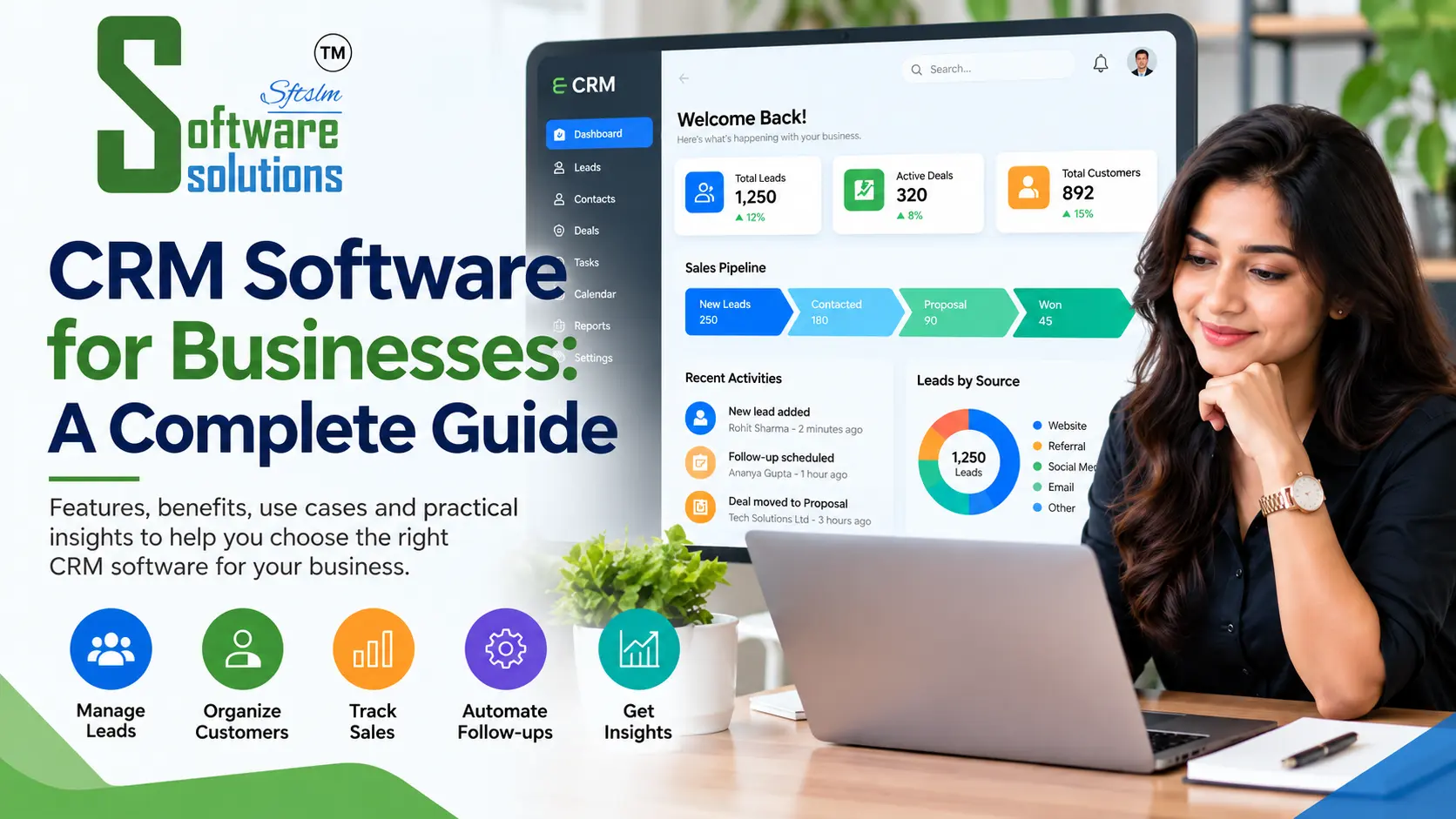
CRM stands for Customer Relationship Management. At its core, it's software that gives your business one place to track every customer and lead, every conversation you've had with them, and where things stand right now, rather than scattered across emails, notebooks, and memory.
You need it the moment that scattered approach starts costing you something real: a lead that went cold because nobody followed up, a customer who got asked the same question twice because nobody could see the history, a manager who genuinely can't say how many deals are actually in progress this month. None of these are dramatic failures on their own. They just quietly cost sales, one missed moment at a time.
How CRM Software Helps Businesses Increase Sales
The sales boost from CRM software isn't magic, it comes from removing the specific ways deals slip through the cracks. Every lead gets logged, so nothing just disappears into someone's inbox. Follow-ups get tracked and reminded automatically, instead of depending on someone remembering. The whole team can see where a deal actually stands, so a handoff between two salespeople doesn't mean starting from zero. And because everything's recorded, you can actually see which leads convert, how long deals typically take, and where people tend to drop off, so you can fix the actual leak instead of guessing at it.
10 Features Every CRM System Should Have
A genuinely useful CRM tends to include a handful of things consistently: a central contact and company database, so every customer's full history lives in one place. Lead and pipeline tracking, showing exactly where every deal stands. Task and follow-up reminders, so nothing gets forgotten. Email and communication logging, keeping the full conversation history visible to anyone who needs it. Reporting and dashboards, turning raw activity into something you can actually act on.
Beyond that, you want role-based access, so people see what's relevant to them and nothing they shouldn't. Mobile access, since a lot of sales happens away from a desk. Integration with the tools you already use, rather than becoming one more disconnected system. Customisable fields and stages, matching how your business actually sells, not a generic template. And genuinely simple day-to-day usability, because a CRM nobody wants to open doesn't help anyone, no matter how many features it has.
Custom CRM vs Off-the-Shelf CRM
Off-the-shelf CRM platforms are quick to set up and work well if your sales process is fairly standard. Their limitation shows up when your business does something genuinely different, a specific industry workflow, an unusual sales cycle, a pricing structure the software just wasn't built to handle. At that point, you end up working around the software instead of the other way around.
Custom CRM development costs more upfront and takes longer to get running, but it's built around exactly how your business actually sells. For a lot of growing businesses, the honest answer is somewhere in the middle: start with an off-the-shelf platform if your needs are fairly standard, and consider custom development once you've genuinely outgrown what a generic tool can comfortably do.
How CRM Automation Saves Your Sales Team Time
A meaningful chunk of a salesperson's day is repetitive by nature, logging a call, sending a standard follow-up email, updating a deal's stage. CRM automation takes over exactly this kind of work: automatically logging activity, triggering a follow-up reminder on a schedule, moving a deal through stages based on what's actually happened, rather than someone manually updating a status field after the fact.
None of this replaces the actual selling. It just clears away the administrative work around it, so your team spends more of the day actually talking to people and less of it doing data entry.
How CRM Software Helps Manage Leads
Leads coming in from different places, a website form, a phone call, a referral, a trade show, tend to get lost specifically because they arrive through different channels with no single place to land. A CRM pulls all of that into one pipeline, so every lead gets the same treatment: logged, assigned, tracked, and followed up on, regardless of where it actually came from. You can also see, honestly, which sources are actually producing leads that convert, rather than guessing based on which channel feels busiest.
How CRM Software Improves Customer Follow-Up
Follow-up is where a lot of genuinely winnable deals quietly die, not because the customer said no, but because nobody got back to them in time. A CRM makes follow-up systematic rather than dependent on memory: a reminder fires when it's time to check in, the full history of past conversations is right there so the follow-up actually feels informed, and nothing sits untouched for weeks simply because it fell out of someone's mental list.
How to Choose the Right CRM Software
Start with your actual sales process, not a feature list, and look for software that genuinely fits how you already sell rather than forcing you to restructure around it. Check how easily it connects with tools you already use, since a disconnected CRM becomes one more thing to manually keep in sync. Pay attention to how simple it actually is to use day to day, since the best CRM is the one your team will genuinely open every day, not the one with the most features sitting unused.
Think about where your business will be in a couple of years, not just where it is now, so you're not stuck rebuilding everything as you grow. And if your sales process has something genuinely unusual about it, that's the clearest signal custom development is worth a real conversation, rather than trying to force a generic platform to do something it wasn't built for.
What Does CRM Software Cost?
There's no single honest number here, and it depends heavily on whether you're looking at an off-the-shelf subscription or a custom-built system. A subscription platform generally scales with the number of users and features you need, while custom CRM development is priced around the complexity of your actual sales process and what it needs to integrate with. Either way, the right starting point is being clear about what you actually need, rather than anchoring to a number before that's defined.
Getting Started
CRM software isn't really about the technology, it's about making sure a good lead, a loyal customer, or a genuine sales opportunity never just quietly slips away because nobody had a proper system to catch it. Whether that means picking the right off-the-shelf platform or building something custom around how your business actually sells, the right choice depends entirely on your specific situation.
We build and implement CRM software for businesses looking for a system that actually fits how they sell, rather than a generic template. Get in touch with us at softwaresolutions.co.in and we'll talk through what makes sense for your business.
Frequently Asked Questions
What is CRM software? It's software that gives a business one central place to track customers, leads, and every interaction with them, rather than scattered across spreadsheets, emails, and memory.
Does a small business need CRM software? Often, yes, once leads or follow-ups start slipping through the cracks. A small business with just a handful of customers may not need one yet, but the need tends to arrive earlier than people expect as the business grows.
What's the difference between custom CRM and off-the-shelf CRM? Off-the-shelf CRM is quicker to set up and works well for fairly standard sales processes. Custom CRM is built specifically around your actual workflow, which matters more once your process is genuinely different from the generic template.
How does CRM software help increase sales? Mainly by removing the specific ways deals get lost, forgotten follow-ups, scattered lead tracking, no visibility into pipeline status, rather than through any single dramatic feature.
How much does CRM software cost? It depends on whether you're using a subscription platform or building something custom, and on your specific requirements. A real estimate should come from a conversation about your actual sales process.