Picture a growing distribution business. Billing runs in one application, inventory in another, customer records in a third, and the monthly report is assembled by hand from all three. Staff spend hours re-keying invoice details, sorting incoming enquiries, and writing the same summaries each month. None of it is difficult, but all of it takes time that could go elsewhere.
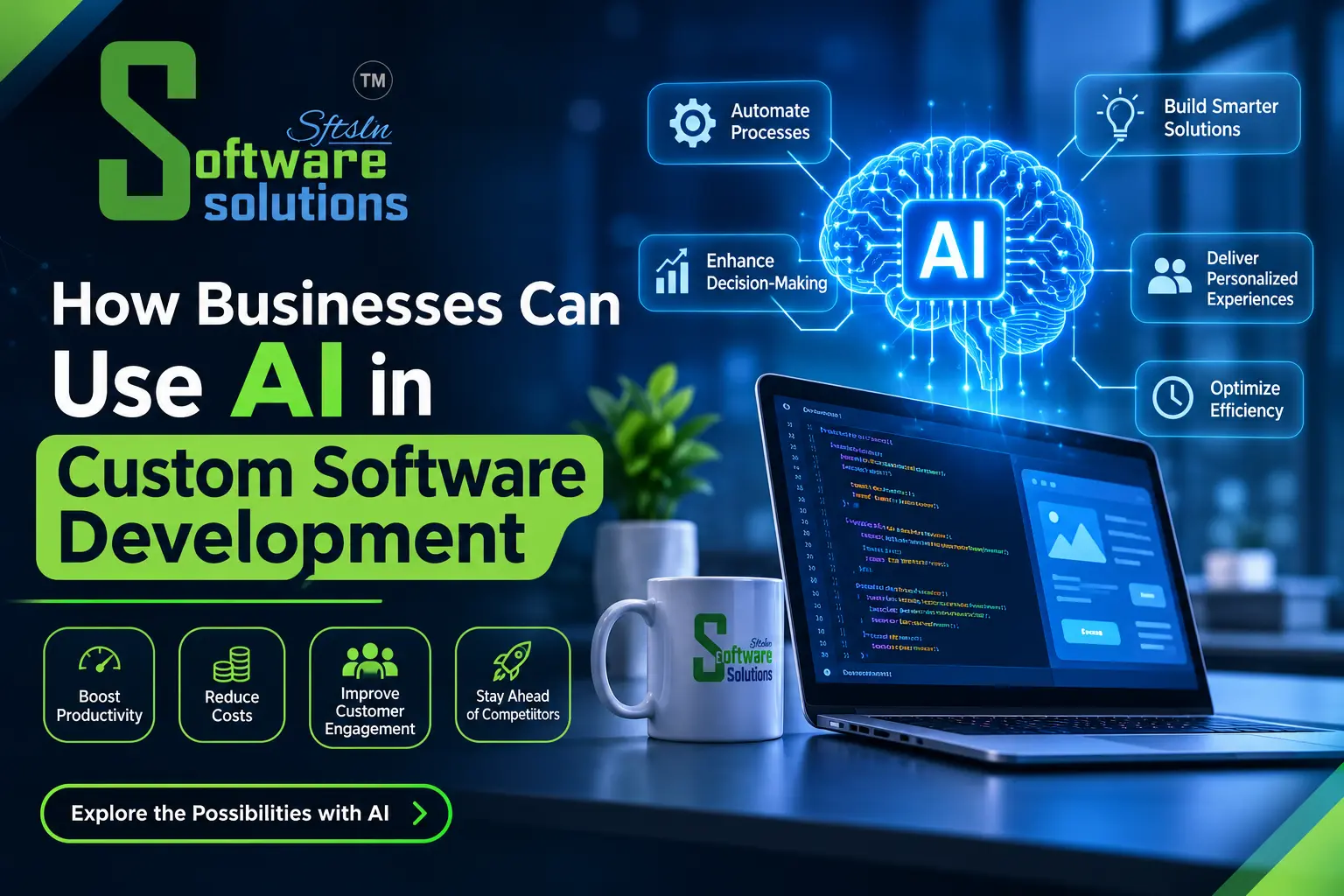
This is where AI in custom software development becomes a practical conversation rather than a trend. Added carefully, AI can help a business application read documents, sort enquiries, summarise records, and surface patterns that are hard to spot in spreadsheets. The goal is not to put AI into every application. It is to find the specific processes where it adds real value, and to build it on top of dependable software. A custom software development company can help you judge where that line falls for your business.
What Is AI in Custom Software Development?
It means building artificial intelligence capabilities into applications designed around your own workflows, data, and rules. Several technologies are commonly involved:
- Machine learning recognises patterns in historical data, such as payment behaviour or sales trends.
- Natural language processing helps software understand written text, such as emails and support messages.
- Generative AI produces summaries, draft responses, and reports.
- AI-powered classification organises documents and enquiries by topic, urgency, or department.
- Predictive analytics estimates likely outcomes based on past data.
It helps to separate AI from conventional automation. Traditional automation follows fixed rules: when an invoice is 30 days overdue, send a reminder. An AI-enabled application might go further, summarising an account’s payment history or flagging customers whose payment patterns have changed. The rule-based reminder is still the right tool for a simple trigger. AI earns its place where the input is messy, varied, or too large for fixed rules.
AI features also need suitable data, testing, integration work, and ongoing monitoring. They are not switches you flip.
1. Automating Repetitive Business Processes
Many teams lose time to routine information handling. AI can assist with:
- Extracting key fields from invoices and other documents
- Classifying incoming customer enquiries
- Summarising lengthy business records
- Supporting repetitive data processing
- Routing requests to the right department
- Drafting internal reports and summaries
Suppose a finance team receives supplier invoices in different layouts. An AI-assisted module can read each one and pre-fill the entry form, so staff check and confirm instead of typing everything from scratch. The key phrase is check and confirm. Financial and operational transactions should keep proper validation rules and human approval, with AI speeding up the preparation rather than making the final decision.
2. Making CRM Systems More Intelligent
A CRM holds a great deal of useful information that busy teams rarely have time to read in full. AI can help by:
- Classifying enquiries by subject or priority
- Summarising a customer’s interaction history
- Suggesting follow-up actions
- Identifying leads that have gone quiet or overdue
- Helping staff find relevant customer information quickly
- Drafting replies to common questions
Consider a business that receives enquiries through its website form, email, and phone calls. Without structure, some messages are answered late and others never get followed up. An AI-enabled CRM can sort each enquiry by topic and urgency, attach a short summary of the customer’s history, and suggest a next step to the right team member.
These suggestions should be reviewed by a person before important customer messages go out or business decisions are made. AI is a capable assistant here, not the account manager.
3. Improving Inventory and Sales Management
Retailers, wholesalers, and distributors generate years of sales data that can inform purchasing. AI-supported tools can help with:
- Identifying sales patterns
- Analysing seasonal demand
- Highlighting products whose sales are changing
- Supporting stock planning
- Summarising sales performance
- Flagging unusual transactions for further review
A wholesaler, for instance, might use historical sales to see which items tend to sell faster before certain festivals or seasons, then use that as one input when planning purchases. Managers still apply their market knowledge and supplier relationships.
Forecasting is an estimate, not a guarantee. Data quality, shifting demand, supplier delays, and outside events can all affect accuracy, which is why forecasts work best as decision support rather than automatic purchasing.
4. Building AI-Powered Reporting and Business Analytics
Most businesses have more data than they can easily read. AI can make reporting more approachable through:
- Automatic summaries of sales reports
- Natural-language questions about approved business data
- Highlighting changes in performance
- Comparing selected reporting periods
- Pointing out unusual figures worth investigating
- Management summaries drawn from several datasets
Imagine a manager typing, “Which product categories declined compared with the same period last year?” and receiving a clear answer drawn from the company’s own sales records. That saves time compared with building a custom report each time.
Any AI-generated insight should be traceable to reliable source data. It supports, but does not replace, financial reconciliation and proper reporting controls.
5. Developing AI Chatbots and Virtual Assistants
AI assistants can be built into customer portals, websites, and internal tools to:
- Answer frequently asked customer questions
- Help users navigate a business portal
- Retrieve information from approved internal documentation
- Assist employees with routine enquiries
- Provide basic service or booking information
- Support customer enquiry management
Good design matters more than the technology here. An assistant should only access information it is permitted to share, its answers should be validated against approved sources, and there should always be a clear route to a human when a question is complex or sensitive. A chatbot that confidently gives a wrong answer does more harm than no chatbot.
6. Integrating AI Into Existing Business Software
Adding AI does not always mean replacing what you have. Depending on the situation, there are several approaches:
- Connecting external AI services through APIs
- Adding AI features to an existing CRM or management system
- Building custom AI-powered modules
- Linking approved business data sources
- Developing a dedicated AI tool for one workflow
The right choice depends on your current application, how your data is structured, privacy requirements, API availability, expected usage, and who will maintain the solution. If you need one specific capability, such as reading invoices or summarising support tickets, AI tool development services can be a sensible route, since a focused tool can deliver that capability without a complete software replacement.
7. Understanding the Challenges of AI-Powered Business Software
AI brings real benefits, but it also brings responsibilities. Consider these before you commit:
- Data quality: Incomplete or inconsistent records reduce the usefulness of AI outputs.
- Privacy and security: Business and customer information needs proper access controls and data protection.
- Accuracy: AI can produce incorrect or misleading output, so it needs testing and ongoing monitoring.
- Integration complexity: Connecting AI to existing databases and applications can take additional development.
- Operating costs: API usage, infrastructure, licences, monitoring, and maintenance can create recurring expenses.
- Human oversight: Financial, legal, operational, and customer-facing decisions may need human review.
AI works best with clear boundaries, defined testing procedures, and named accountability for the results.
How to Start an AI-Powered Custom Software Project
A focused start is usually more manageable than an organisation-wide rollout. A practical sequence looks like this:
- Identify one repetitive or time-consuming business problem.
- Review your existing software and the data available.
- Decide whether AI is truly needed or conventional automation is enough.
- Define the expected functionality and how you will measure success.
- Choose a suitable AI model, service, or integration approach.
- Build a small prototype or pilot.
- Test accuracy, security, performance, and usability.
- Add human review where appropriate.
- Monitor results and refine the implementation.
- Expand gradually once the first solution shows practical value.
Starting small lets you learn how the technology behaves with your own data before investing more.
How to Decide Whether Your Business Needs AI Integration
AI may be worth exploring when:
- Employees repeatedly review and classify large volumes of information.
- Your data contains patterns that are hard to analyse manually.
- Customers keep asking the same kinds of questions.
- Management needs faster summaries of complex information.
- Your current software lacks a useful intelligent capability.
It may not be necessary when a simple form, database query, rule-based workflow, or standard automation can solve the problem more reliably and at lower cost. Weigh the expected benefits against development, integration, security, and ongoing running costs before deciding.
Finding Software Development Support for AI-Powered Business Applications
If you decide to go ahead, look carefully at a development partner’s understanding of business workflows, software architecture, data handling, API integrations, testing, security, and long-term maintenance. Ask how they would approach a pilot, how they handle sensitive data, and what support continues after launch.
If you are looking for a software development company in Barasat, you can explore the available services and see whether they match your requirements before making a decision.
Conclusion: Use AI to Solve Real Business Problems
Used well, AI can make custom software more useful through intelligent automation, data analysis, customer support, and clearer reporting. Success, though, depends on clear business requirements, reliable data, suitable integration, strong security, thorough testing, and human oversight.
A good next step is simple: pick one business process that regularly causes difficulty, assess whether AI could improve it, and begin with a small, measurable implementation. Let the results guide what you build next.